
ArticleHazain2 min read
Photos that make the viewing feel familiar
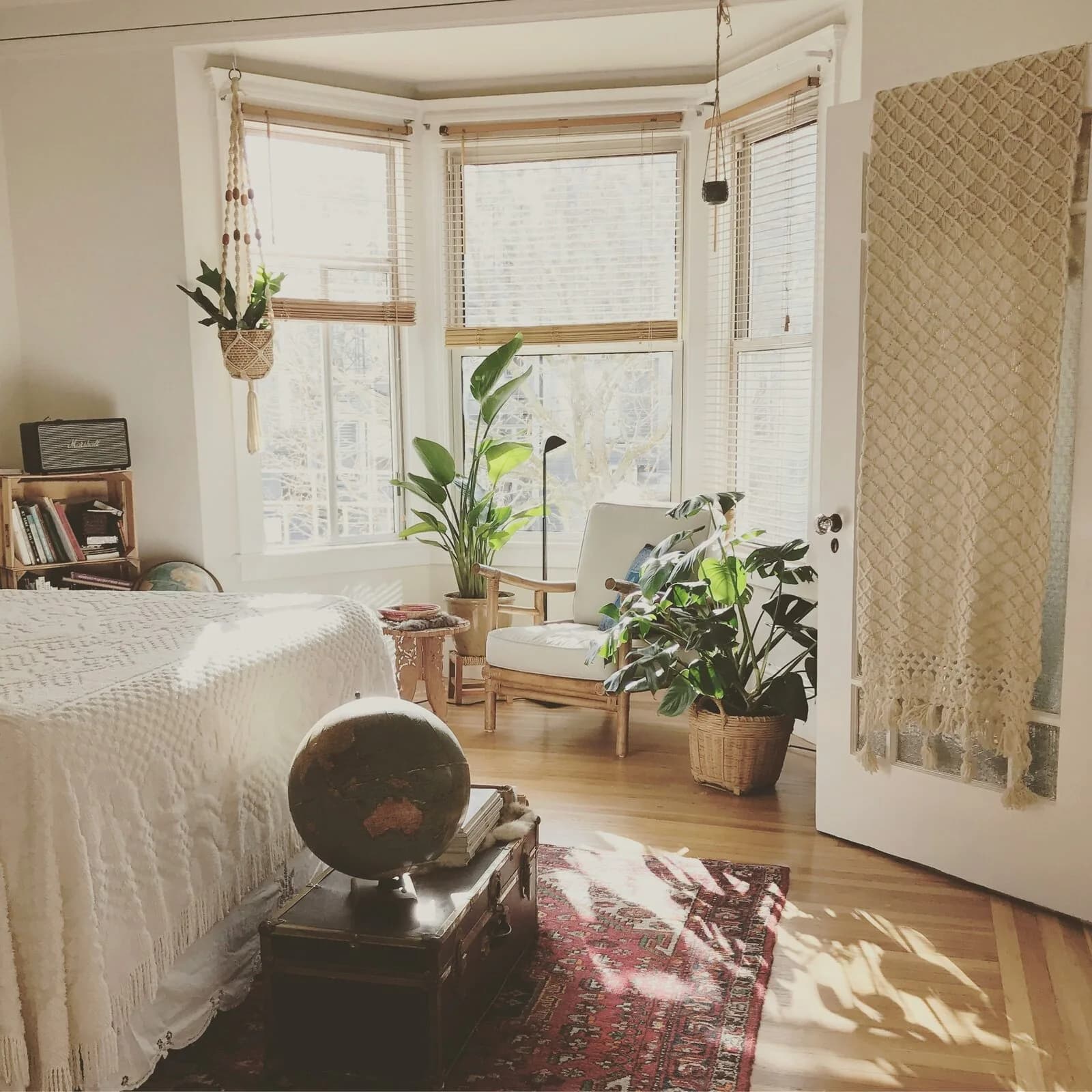
Show how the home works: light, layout and condition. Arrange your Hazain gallery so applicants can understand the space before meeting you.
Before the first photo
- Clean the lens and turn off beauty filters and heavy processing.
- Open the curtains and put small items away without hiding defects.
- Remove personal documents, family photos and visible access codes.
- Take an overall view of each room and separate photos of important features.
Prepare the room, then the camera
Put small items away and open the curtains. Keep the furniture that will actually stay for the tenant. Use daylight, a clean lens and no filters that change colours.
Keep damp and wear visible. If work is planned, explain what will happen and when; a rendering is not a photograph of a completed home.
One room, two useful views
Take an overall view from a natural height, then show how the room connects to the next space. Keep vertical lines straight. An extreme wide angle can give a false impression of size.
Example: show the living and dining areas first, then the balcony access. Five near-identical sofa photographs do not explain the layout.
Show everyday details too
Include the kitchen, bathroom, heating, storage and appliances that are provided. Show their visible condition. Say in the description if something in a photo will be removed.
Features such as Fully renovated and First tenant are optional. Select them only when accurate, with photographs of the current condition.
Arrange the gallery as a walkthrough
Choose a clear cover, followed by the main rooms, details and common areas. In Hazain, photographs go into one gallery. Open a thumbnail for a large preview and choose the main photo. Check thumbnail cropping on a phone too.
Wait for upload checking to finish. If a photograph is still processing, avoid repeatedly sending it. An uploaded gallery and a published listing are separate stages; check the listing status.
A final check for private information
Open the images at full size. Check mirrors, screens, documents, faces, family photographs and access codes. An entrance number can also reveal the exact address.
Property photographs become public with the listing. Viewing-host photographs are added separately. The exact address is shown only to tenants accepted for a viewing.